
The Error
When using Tiptap editor in a Next.js app, you might see:
Tiptap Error: SSR has been detected, please set `immediatelyRender`
explicitly to `false` to avoid hydration mismatches.
Why It Happens
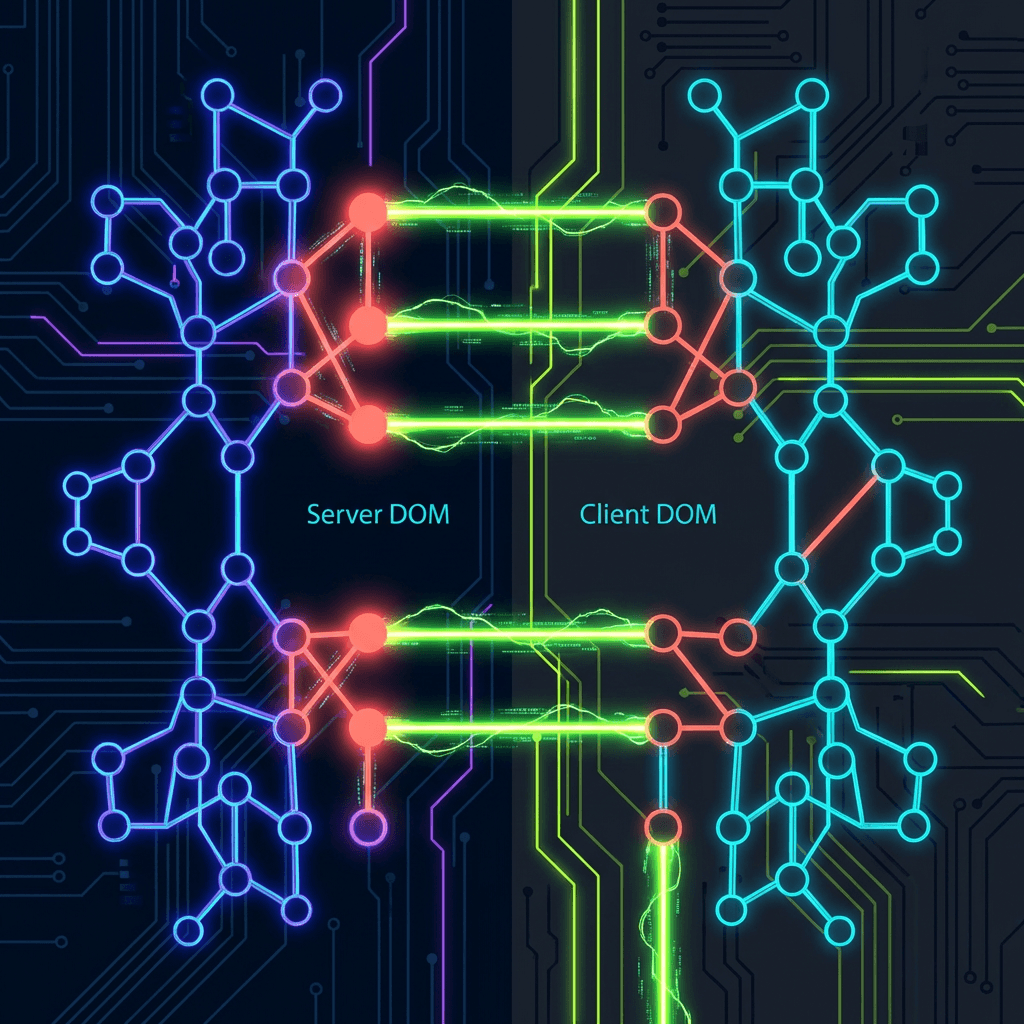
Tiptap tries to render immediately by default. During SSR, there's no DOM, so the server renders nothing. But on the client, Tiptap renders content immediately—causing a hydration mismatch.
The Fix
Add immediatelyRender: false to your useEditor configuration:
const editor = useEditor({
  extensions: [StarterKit, /* ... */],
  content,
  immediatelyRender: false, // Prevent SSR hydration mismatches
  editorProps: {
    // ...
  },
});
This tells Tiptap to wait until the client is ready before rendering, ensuring consistent output between server and client.
Additional Tips
- Always mark Tiptap editor components as "use client"
- Handle the editor being null during initial render
- Consider lazy loading the editor for better initial page load